Thank the donors you can’t reach directly, while protecting their privacy.
Donors choose to stay anonymous for deeply personal reasons—but that has also meant your team had no way to thank, engage, or steward them for their generosity.
Anonymous Donor Stewardship gives you a way to share a message of gratitude with these supporters, without ever compromising their privacy and anonymity.
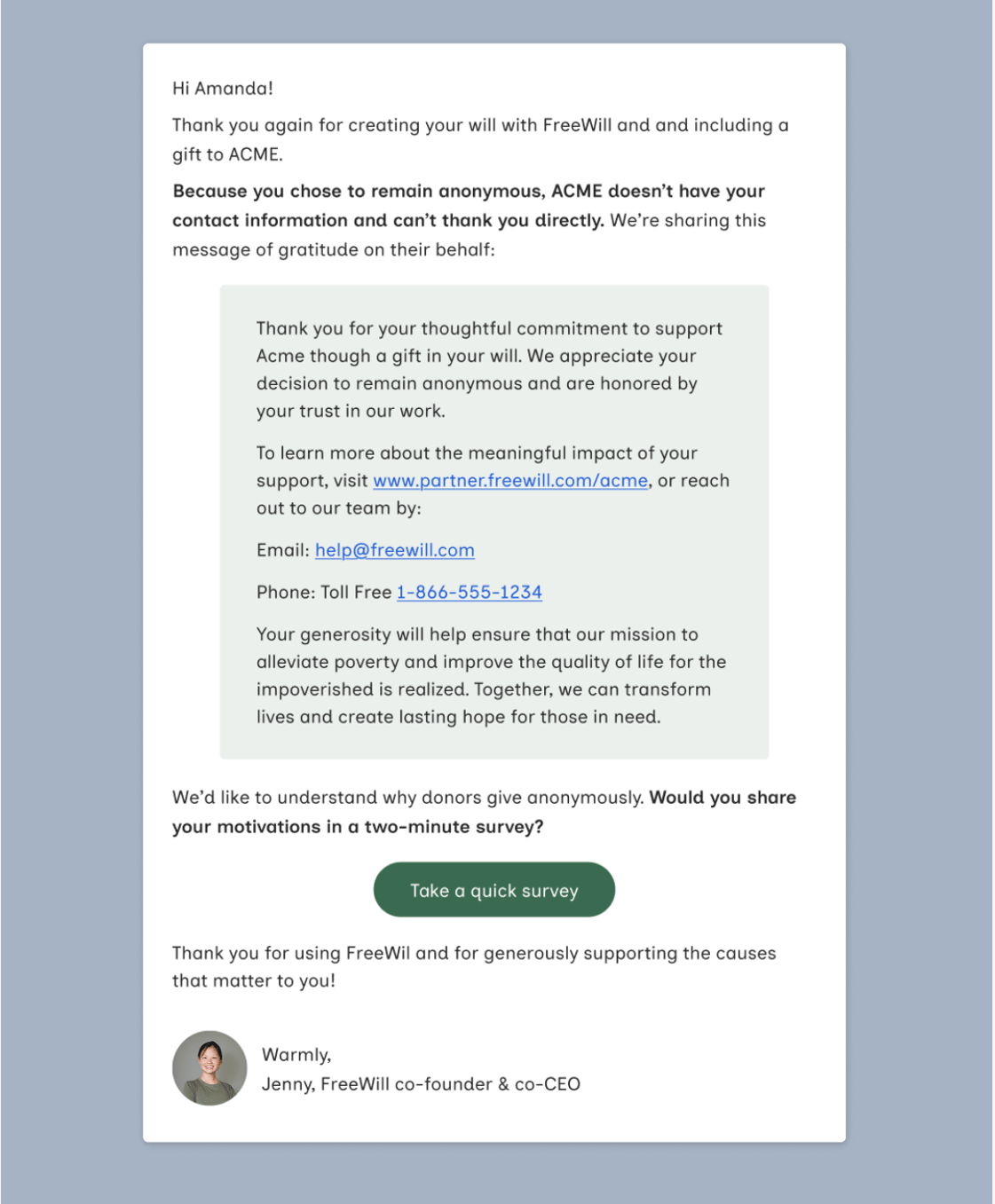
With Anonymous Donor Stewardship, FreeWill sends a thank you email on your behalf to donors who include your organization in their estate plan anonymously. The email includes a short message written by your team. Donors’ personal information is never shared with you.
Anonymous Donor Stewardship is part of FreeWill’s Auto Stewardship feature. It works alongside Named Donor Stewardship, which thanks legacy donors who have shared their contact information.
How it works:
- Email your Anonymous Donor Stewardship blurb (about 80 words) oto partnersupport@freewill.com. Once it’s approved and set up, the feature is active for your organization.
- Seven days after a donor leaves an anonymous bequest, FreeWill sends them a thank you email that includes your message. This applies whether the donor creates a new estate plan or updates an existing plan to make an anonymous bequest.
- The email lets donors know that because they chose to remain anonymous, your organization can’t thank them directly, so FreeWill is sharing your message on your behalf. Example below.
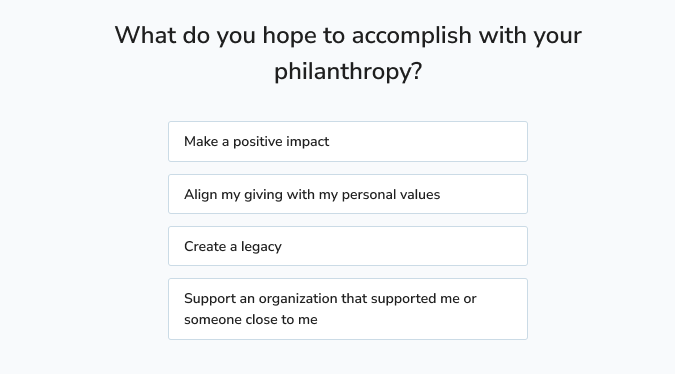
- Donors also receive a brief survey to help FreeWill learn more about why donors choose to give anonymously.
A few notes and tips:
- This feature is opt-in. Emails are only sent once your message has been submitted and approved.
- Messages can include links and formatting but cannot include images.
- Anonymous survey responses are not currently shared with partners.
- Keep your message up to date. We recommend updating it whenever your point of contact, linked resources, or any program statistics you include change.
Who this is for:
This feature is currently available to all Planned Giving Suite and Featureship partners, at no additional cost. Interested in adding the Planned Giving Suite or Featureship to your FreeWill partnership? Click here to schedule time with your Account Manager.
Your next steps and resources:
- Watch the short video and download the Anonymous Donor Stewardship Implementation Guide to learn more and access content guidelines and a sample message.
- Email partnersupport@freewill.com to set the feature up and/or edit your message.
- Navigate to Customizations > Auto-Stewardship in Portal to ensure the feature is activated.
- Read this Help Center article for more information.
- Reach out to partnersupport@freewill.com