A faster way to find marketing content in Partner Portal.
We’re making it easier to discover Marketing Library content that’s relevant to your organization, right inside the Partner Portal.
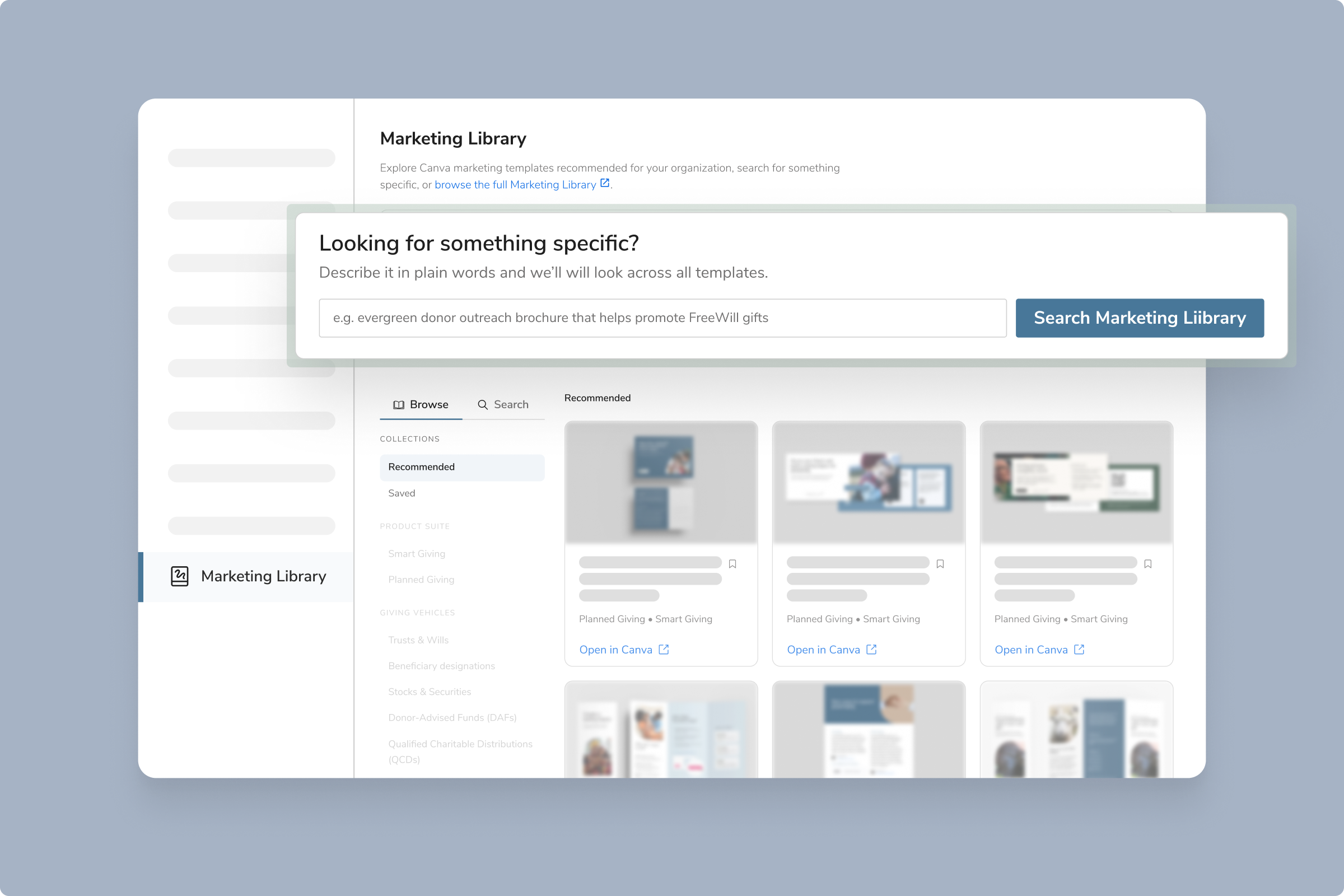
The Marketing Library page in Portal now shows a recommended set of Canva templates based on your organization and the FreeWill products you use. Looking for something specific? Simply describe what you need in plain language to find matching templates from across the library.
What you need to know:
- Your recommendations are tailored to your organization and include go-to picks from FreeWill’s strategists.
- Search using plain language, filter by product suite and giving vehicle, and save your favorite assets for later.
- Open any result directly in Canva, or explore the full Marketing Library with one click.
Who this is for:
Partners with access to Partner Portal can utilize the resources in the Marketing Library. If you are a contact at an active FreeWill partner, see this Help Center article to update your permissions.
Your next steps:
- Navigate to Partner Portal
- Click the Marketing Library link on the left-hand navigation panel
- Check out your recommended resources, search for new templates, and save your favorite assets
Need more support?
-
Read this Help Center article for more details on the Marketing Library and how it works.
- Reach out to partnersupport@freewill.com